To see how many credits you have left, simply follow these steps:
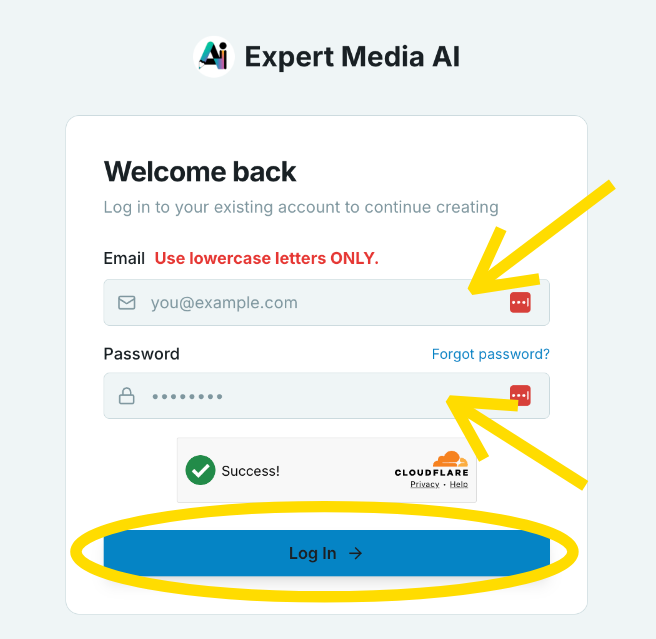
- Login to ExpertMedia.APP.
- Look at the lower left-hand corner of your screen (under the left-hand side menu).
That large number shows how many total credits you have left in your account.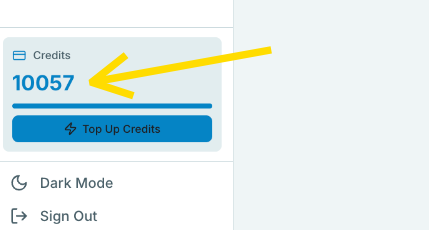
Need to top up on credits? Click here or click the "Top Up Credits" button under the large number. (IMPORTANT: An active subscription is REQUIRED or Top-Ups will NOT apply to your account.)
***

Was this article helpful?
That’s Great!
Thank you for your feedback
Sorry! We couldn't be helpful
Thank you for your feedback
Feedback sent
We appreciate your effort and will try to fix the article