All our payments are handled by the secure payment processor, Stripe. Follow the steps below to see a history of all your subscription and top-up payments.
***
Step 1
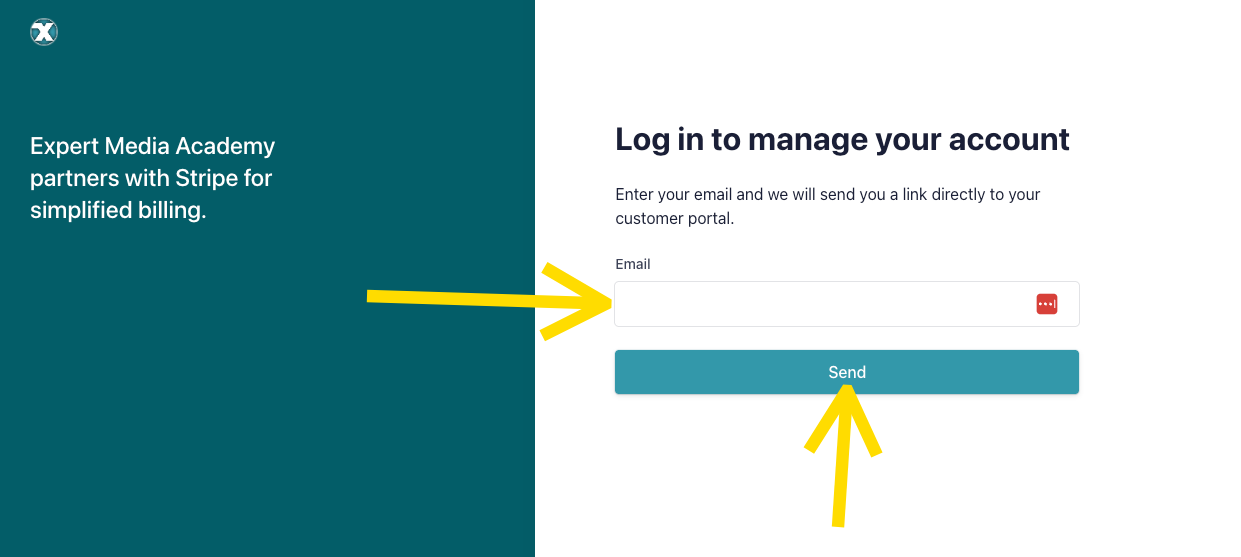
CLICK HERE to access our Customer Portal managed by our payment processor, Stripe.
*Be sure to use the SAME email you use to login to the App Suite. This is also your login email for the App Suite.
Step 2
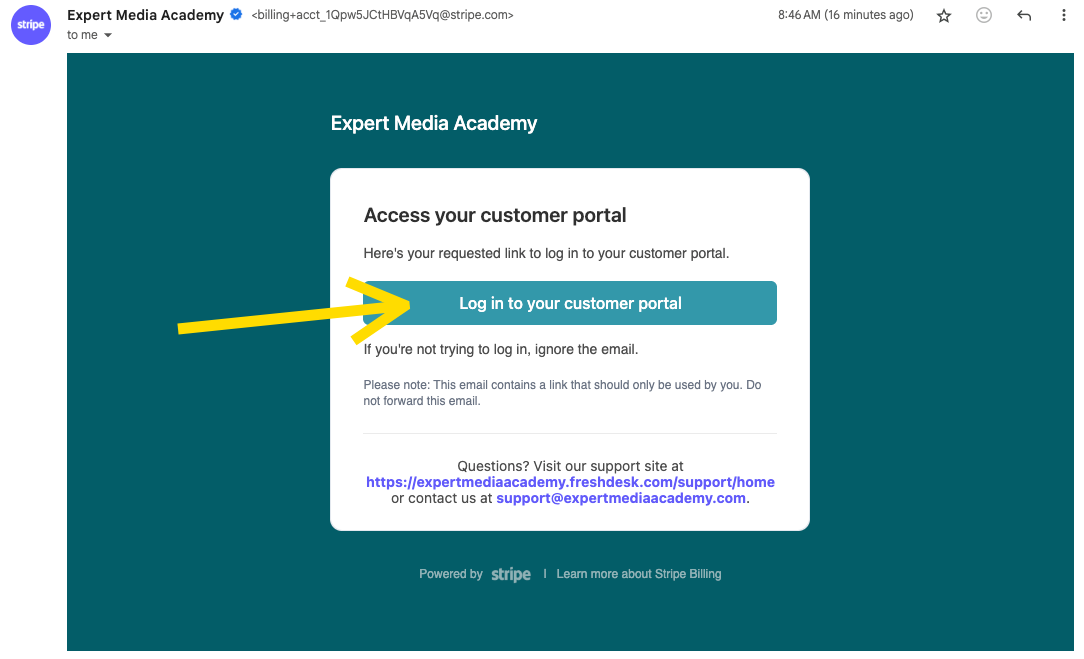
Check that SAME email address for the login button and click it.
Step 3
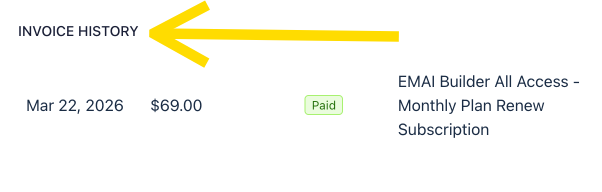
Scroll down to see your subscription's Invoice History.
That's it!
***

Was this article helpful?
That’s Great!
Thank you for your feedback
Sorry! We couldn't be helpful
Thank you for your feedback
Feedback sent
We appreciate your effort and will try to fix the article